This update includes the Meta SDK that will help us test advertisements for Clear on social media, and target people who may like the app. You will see the App Tracking Transparency popup on next launch after updating.
If you decline, you will not be tracked. If you accept, it’ll help us market to people like you who are more likely to enjoy the app.
In addition later this week or next week we will start announcing Clear Sync & Web testing (available for Clear pro members) to users of the app with a dismissible popup.
Otherwise we have been fixing and improving some of the syncing infrastructure to handle a couple specific cases that have come up. I think it’s getting to a generally stable place, but please keep sharing bug reports or feedback as we continue testing! (And thank you everyone who has been helping test so far.)
We’ve been overall focused on fixing some more general sync bugs. But starting to get through that list (for now knock on wood) so will check into this one again.
Purple Dragon and Sunset are the themes I was able to verify as broken. Of course, I don’t have every single theme that exists, so there might be more broken themes I’m unable to try.
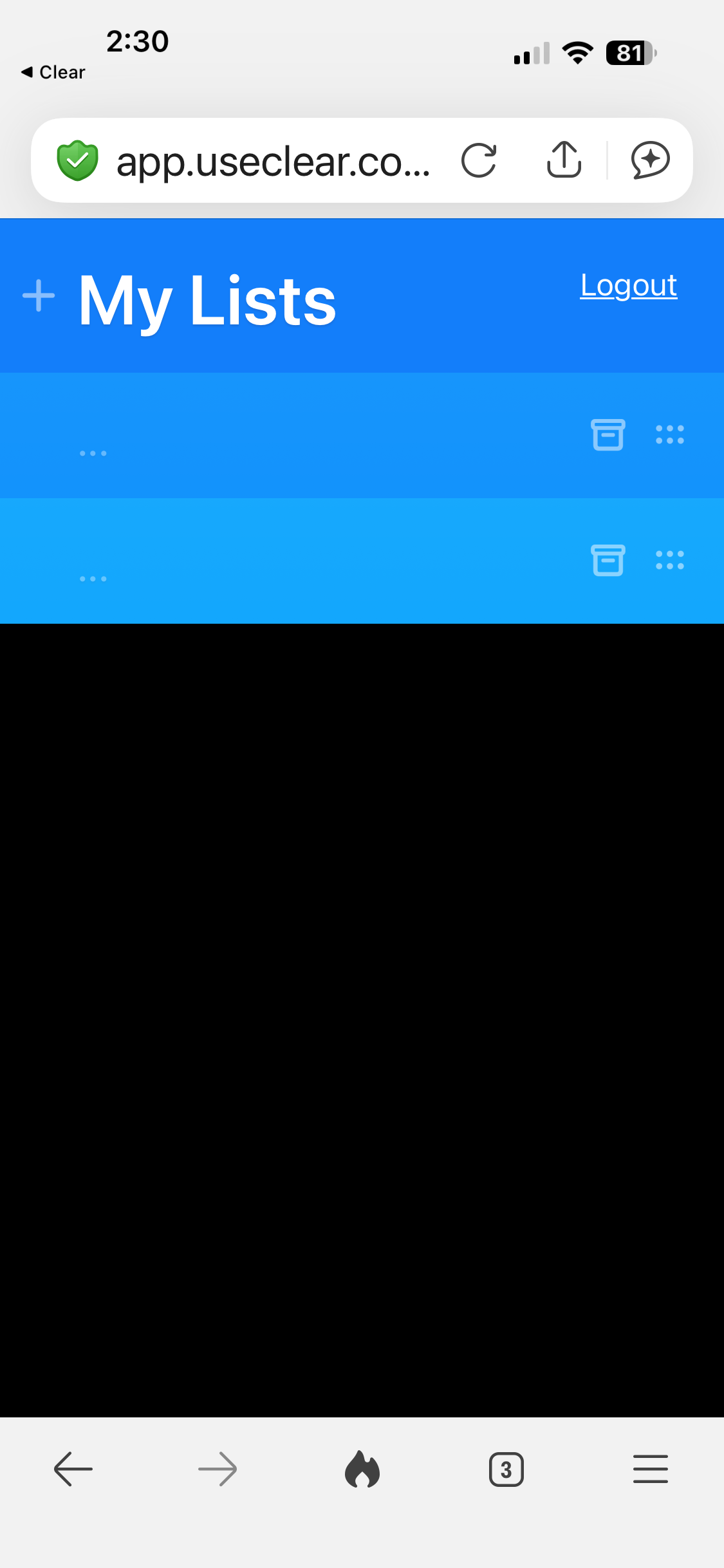
Just checking back in to see if there has been a fix for my Clear app and web not syncing and the 3 … in my lists that cannot be deleted, then get stuck in archive. Updated to 2.5.6, and still not fixed. Also, I did not receive an advertising pop-up upon opening
Oops yeah I could see that happening quite a bit especially when people are a bit distracted. We’ll try extending it a bit as we roll it out further.
Basically Clear Pro now includes iOS sync and Clear Web beta access. You can navigate to the home level of the app (back out from your list a couple times) and tap into Clear Pro or Cloud for more info!
Seems to be a bug in the newest update where, ever since I changed my main menu theme for the first time in a while yesterday, it now reverts to the default theme every time I reopen the app after force closing it.
Hey @r1y3, can I ask which theme you were using when this occurred? We’re aware of a couple themes, notably “Purple Dragon” and “Sunset” that had this issue and have a fix on the way.